
Current Amazon Buying Guide
Best Laptops for Remote Work 2026: Current Home Office and Travel Picks
This refresh replaces the older remote-work laptop list with current options built around webcam quality, battery life, keyboard comfort, portability, and multitasking.
Published: August 25, 2024Last updated: May 14, 2026
What We Checked
Remote-work laptops should be judged by the parts you feel every day: keyboard, screen, camera, battery, ports, noise, and whether the machine stays fast with meetings and browser tabs open. The prior list mixed old models and vague AI claims, so this version resets the recommendations.
- Prioritize 16GB memory or better for calls, browser tabs, documents, and collaboration apps.
- Treat webcam, keyboard, battery life, and fan noise as first-class remote-work factors.
- Separate travel-light picks from premium work machines and large-screen desk replacements.
| Pick | Category | Best For | Why It Fits Now |
|---|---|---|---|
| Apple MacBook Air 15-inch | Best large-screen Mac | Remote workers who want a larger screen without a heavy laptop | The 15-inch Air is a strong remote-work fit because it gives more screen room while staying easier to travel with than most performance laptops. |
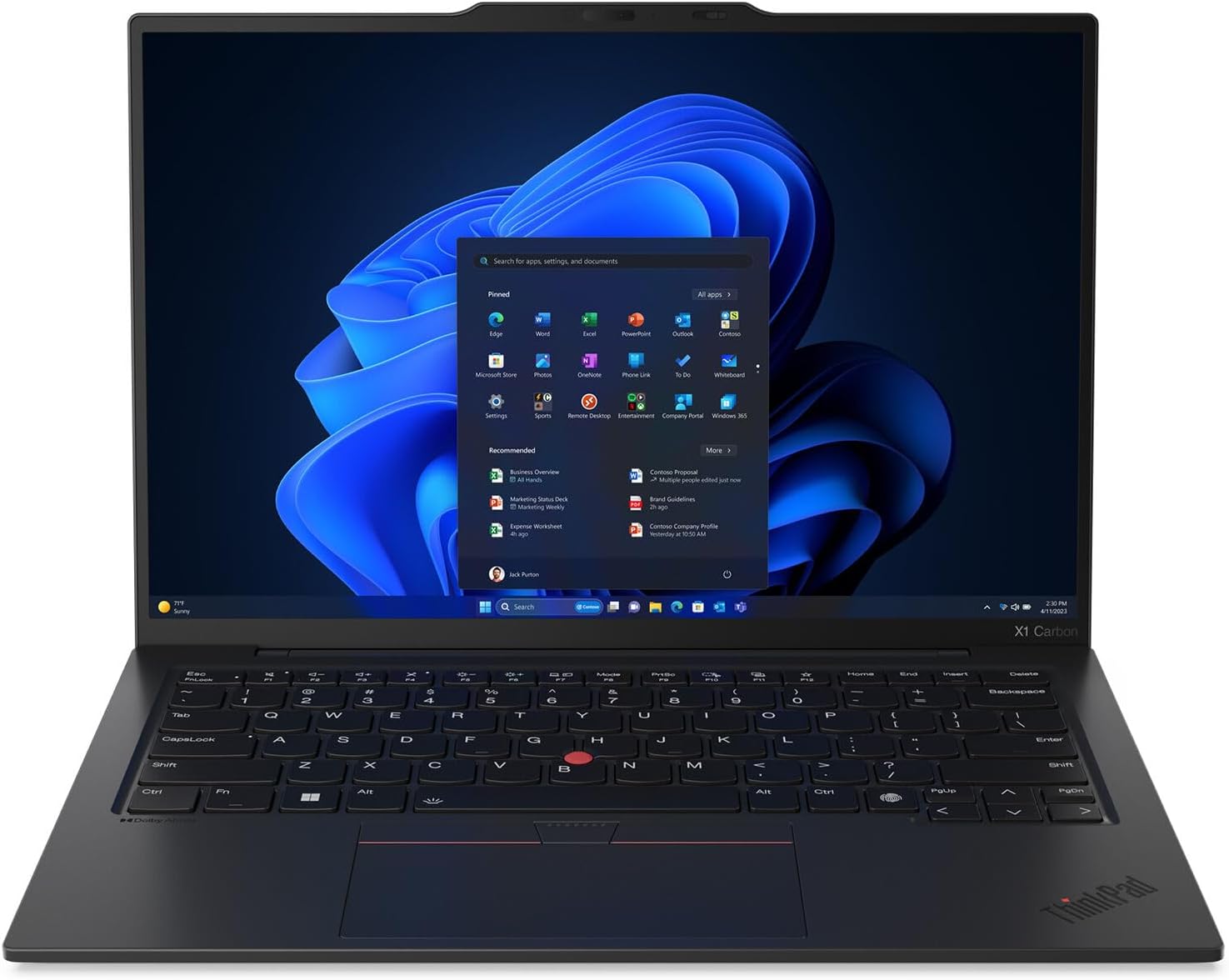
| Lenovo ThinkPad X1 Carbon | Best keyboard-focused work laptop | Writers, analysts, and professionals who type all day | The X1 Carbon remains the business-laptop benchmark for buyers who care about typing feel, durability, and a work-first design. |
| Dell XPS 13 Copilot+ PC | Best premium Windows work laptop | Windows users who want a premium screen and compact performance | The current XPS 13 Copilot+ class is a better fit than carrying forward older XPS 15-style picks for many remote workers because it balances size, battery life, and portability. |
| Microsoft Surface Laptop 15-inch | Best simple Windows large screen | Workers who want a clean Windows laptop with a larger display | Surface Laptop models are easy to recommend for non-gaming work when the user values quiet operation, a good camera, and a simple daily setup. |
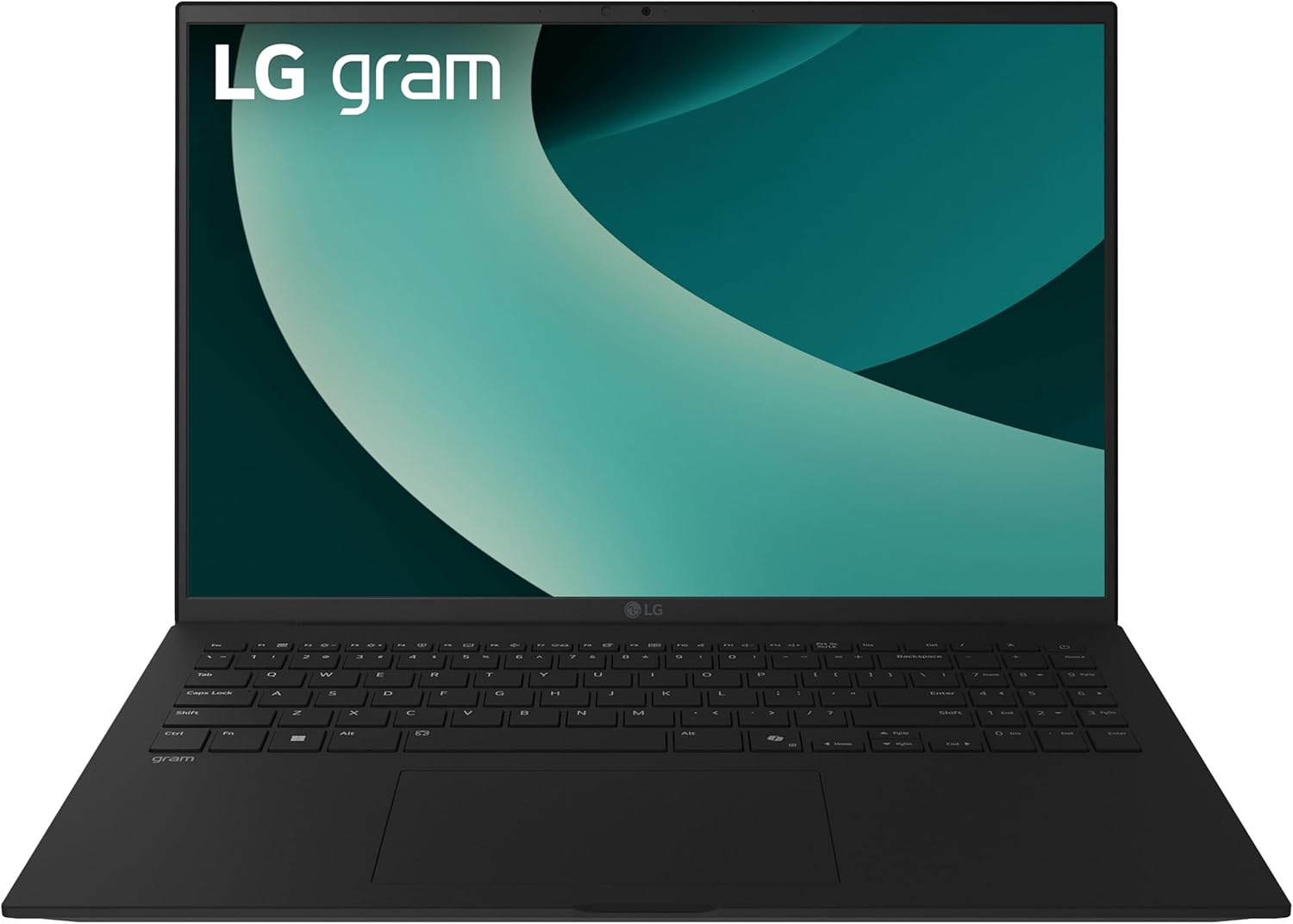
| LG gram 16 | Best lightweight big screen | Travel-heavy workers who still want a 16-inch screen | The LG gram line stays relevant because it solves a specific remote-work problem: getting a big screen without carrying a heavy machine. |
| HP Spectre x360 14 | Best convertible for meetings | Remote workers who want tablet mode, note-taking, and a compact premium build | A convertible is not mandatory for remote work, but it is useful if you present, annotate, or switch between desk and couch workflows often. |

1. Apple MacBook Air 15-inch
Best for: Remote workers who want a larger screen without a heavy laptop.
The 15-inch Air is a strong remote-work fit because it gives more screen room while staying easier to travel with than most performance laptops.
Amazon listing checked: Apple
2. Lenovo ThinkPad X1 Carbon
Best for: Writers, analysts, and professionals who type all day.
The X1 Carbon remains the business-laptop benchmark for buyers who care about typing feel, durability, and a work-first design.
Amazon listing checked: Lenovo

3. Dell XPS 13 Copilot+ PC
Best for: Windows users who want a premium screen and compact performance.
The current XPS 13 Copilot+ class is a better fit than carrying forward older XPS 15-style picks for many remote workers because it balances size, battery life, and portability.
Amazon listing checked: Dell XPS 13 9345 Laptop, Copilot+ AI PC (13.4" FHD+ 120Hz, Snapdragon X Plus (> Intel i7-1355U), 16GB 8448MT/s RAM, 512GB SSD), Thin & Light, 27 Hours Battery Life, IR Webcam, Wi-Fi 7, Win 11 Pro

4. Microsoft Surface Laptop 15-inch
Best for: Workers who want a clean Windows laptop with a larger display.
Surface Laptop models are easy to recommend for non-gaming work when the user values quiet operation, a good camera, and a simple daily setup.
Amazon listing checked: Microsoft
5. LG gram 16
Best for: Travel-heavy workers who still want a 16-inch screen.
The LG gram line stays relevant because it solves a specific remote-work problem: getting a big screen without carrying a heavy machine.
Amazon listing checked: LG

6. HP Spectre x360 14
Best for: Remote workers who want tablet mode, note-taking, and a compact premium build.
A convertible is not mandatory for remote work, but it is useful if you present, annotate, or switch between desk and couch workflows often.
Amazon listing checked: HP
How We Picked
We focused on products that fit common buyer needs, current category standards, credible review coverage, and practical availability.
Bottom Line
For 2026, start with Apple MacBook Air 15-inch, Lenovo ThinkPad X1 Carbon, Dell XPS 13 Copilot+ PC if those categories match your needs, then use the rest of the table to choose the right fit.
Prices and availability change often, so the most important rule is to buy the product class that fits your setup rather than chasing an old model name because it appeared in a previous version of this guide.
Keep Comparing
Affiliate disclosure: Best Tech Insight may earn a commission when you buy through Amazon links on this page. Product choices and editorial opinions remain our own.
Leave a Reply