
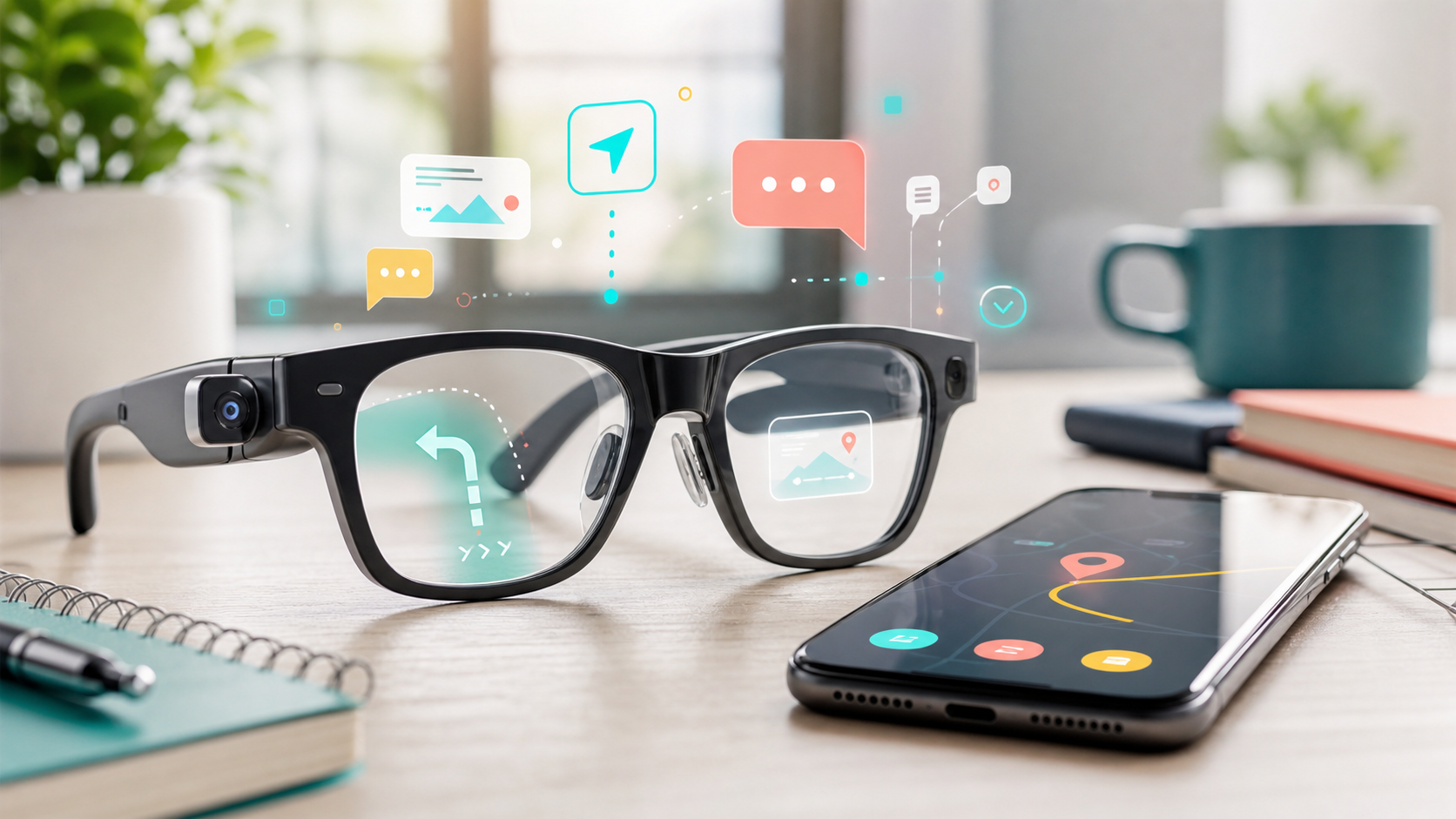
Android XR eyewear map
Android XR Smart Glasses Buyer Map: Phone, Audio Glasses, Display Glasses, or Headset
Google’s intelligent eyewear update is easier to judge when you compare the job: phone, audio glasses, display glasses, or headset.
This Android XR smart glasses buyer map turns Google’s May 19, 2026 Android XR intelligent eyewear announcement into a practical buyer map. Google described Android XR as a platform built with Samsung and Qualcomm, and said Gemini is unlocking experiences across headsets, glasses, and related devices.
The key split is simple. Google described two types of intelligent eyewear: audio glasses that give spoken help, and display glasses that show information when needed. Audio glasses are the first type Google says is coming later this fall, with designs from Gentle Monster and Warby Parker previewed at Google I/O 2026.
Quick answer: do not start with the frame. Start with the moment. If your phone already solves it, keep the phone. If your hands are busy, compare audio glasses. If you need visual prompts, compare display glasses. If you want a spatial workspace, compare headsets.
BTI is not claiming prices, stock, reviews, ratings, awards, or hands-on testing here. Exact product CTAs can be added later only when reviewed links and current retailer pages exist.
Android XR smart glasses buyer map: four lanes to compare
Smart glasses sound futuristic, but the buying decision is still ordinary. The device has to remove a real friction point often enough to justify wearing it, charging it, explaining it, and trusting it.
| Lane | Simple role | Best fit | BTI buyer check | Next step |
|---|---|---|---|---|
| Phone first | Keep the screen in hand | People who want maps, messages, photos, translation, and app control without wearing a camera or computer on their face. | List the moments when pulling out your phone actually slows you down. If that list is short, the phone lane still wins. | View official announcement |
| Audio glasses | Hands-free ears | Walkers, commuters, parents, travelers, and multitaskers who want voice help, calls, messages, directions, and translation without a screen. | Check comfort, battery routine, microphone quality, speaker privacy, prescription fit, companion-phone support, and camera expectations. | View official announcement |
| Display glasses | Glanceable overlay | People who want directions, translated text, prompts, or quick context in the line of sight instead of only spoken help. | Check field of view, brightness, prescription support, weight, privacy cues, app support, and whether display text helps or distracts. | View official announcement |
| XR headset | Immersive workspace | Developers, creators, early adopters, and people who want a larger spatial workspace instead of everyday eyewear. | Compare comfort, weight, controllers or hand tracking, app library, desk space, battery routine, and whether you need immersion or glances. | View official announcement |
Which Android XR lane should you watch first?
Use these cards like a wearable-tech filter. Pick the lane that matches a repeated daily moment, then ignore the lanes that sound exciting but do not solve that moment.
Keep the screen in hand
Phone first
Best for: People who want maps, messages, photos, translation, and app control without wearing a camera or computer on their face.
Check first: List the moments when pulling out your phone actually slows you down. If that list is short, the phone lane still wins.
A phone is less futuristic, but it is already familiar, private, repairable, and easier to share with someone nearby.
Hands-free ears
Audio glasses
Best for: Walkers, commuters, parents, travelers, and multitaskers who want voice help, calls, messages, directions, and translation without a screen.
Check first: Check comfort, battery routine, microphone quality, speaker privacy, prescription fit, companion-phone support, and camera expectations.
Google says audio glasses are the first intelligent eyewear type coming later this fall, but exact products still need current retail details before buying.
Glanceable overlay
Display glasses
Best for: People who want directions, translated text, prompts, or quick context in the line of sight instead of only spoken help.
Check first: Check field of view, brightness, prescription support, weight, privacy cues, app support, and whether display text helps or distracts.
A tiny display can be powerful, but it can also become visual clutter if the use case is mostly calls and music.
Immersive workspace
XR headset
Best for: Developers, creators, early adopters, and people who want a larger spatial workspace instead of everyday eyewear.
Check first: Compare comfort, weight, controllers or hand tracking, app library, desk space, battery routine, and whether you need immersion or glances.
A headset is usually the wrong answer for all-day errands. It is a different lane from lightweight eyewear.
Google’s examples include directions, messages, photos, translation, questions about what you see, and app actions through a paired phone. Those examples point to a bigger buyer question: do you need help in your ear, help in your view, or a bigger immersive workspace?
The answer may still be your phone. A new wearable is only useful if the hands-free version is easier than pulling out the device you already carry.
What the announcement does not settle yet
Google’s post explains the direction, but it does not settle retail price, full model list, prescription details, battery claims, privacy behavior in every setting, repair options, return policies, or whether a specific frame is comfortable for your face.
That is why BTI treats this as a watchlist and buyer map, not a ranked product review. The right move today is to write down the moments where hands-free help would matter, then compare final products when current listings are available.
Sources and methodology
BTI used Google’s official Android XR intelligent eyewear announcement as the source for this guide. BTI translated the announcement into buyer lanes and avoided using competitor imagery, copied product photos, unsupported pricing, and review-style claims.
The method is simple: identify the announced device categories, translate each category into the job it might solve, list the hidden checks, and hold affiliate CTAs until exact reviewed destinations exist.
BTI final take
Android XR smart glasses are a new buyer lane, not a reason to chase every wearable at once. Start with the moment you want fixed, then choose the least distracting device that solves it.
When exact reviewed product URLs exist, this page can add tracked product CTAs without changing the editorial guidance.
FAQ
What are Android XR smart glasses?
Google describes intelligent eyewear as glasses that use Gemini for hands-free help. Google says there will be audio glasses for spoken help and display glasses for information shown when needed.
Are audio glasses and display glasses the same thing?
No. In Google’s description, audio glasses focus on spoken help in your ear, while display glasses can show information in your view.
Should I buy Android XR glasses right now?
This article does not recommend an immediate purchase. Use it as a buyer map, then check exact model details, prescription fit, comfort, privacy behavior, return policy, and current retailer information before buying.