
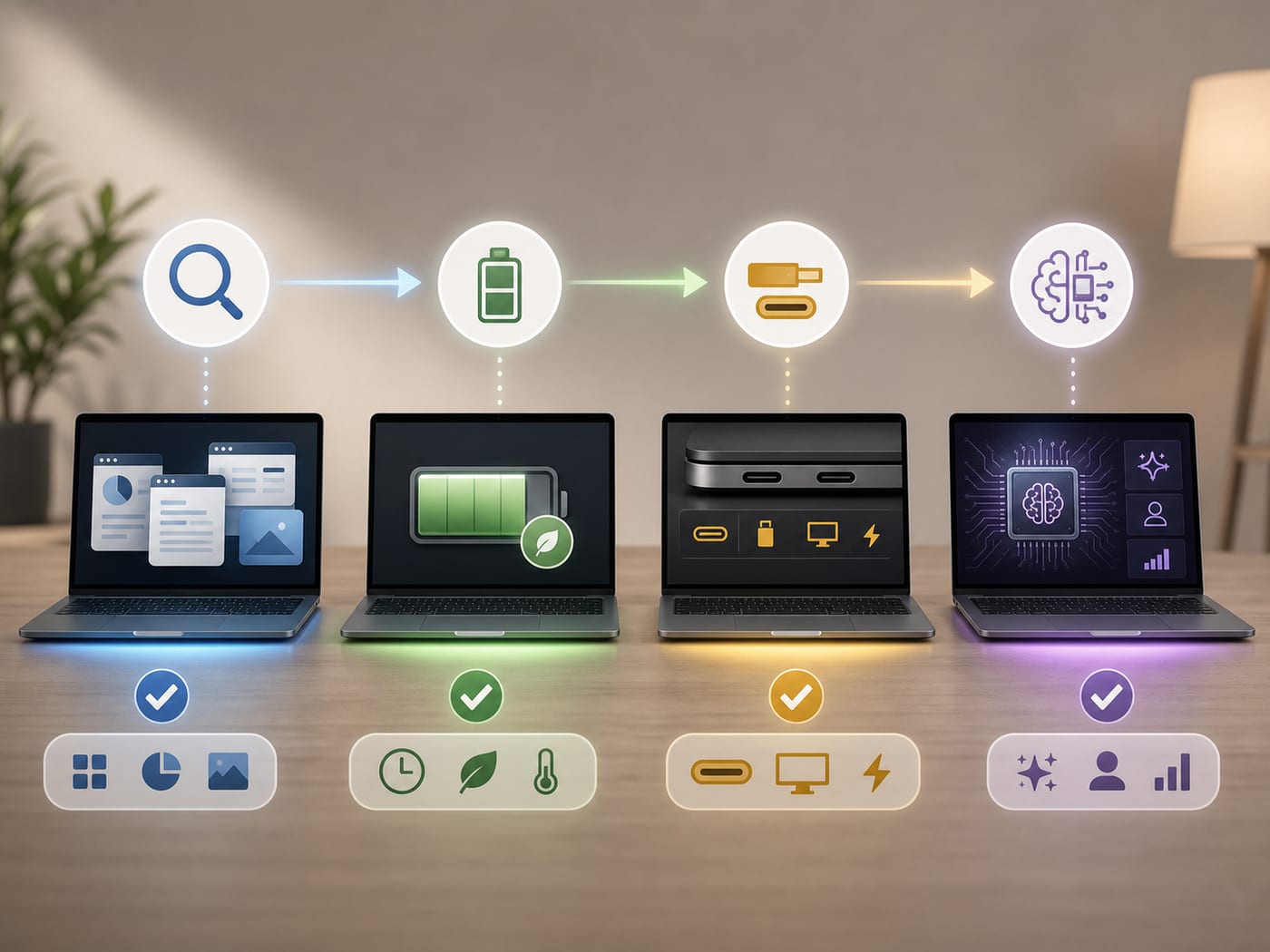
AI laptop comparison
AI Laptop Options Comparison: Surface, Vivobook, Zenbook, and MacBook Air
The AI label is not the first decision. Start by choosing the exact laptop option that matches your apps, screen needs, ports, battery context, and ecosystem.
This AI laptop options comparison expands the BTI Instagram chart into a fuller buying table for Surface Laptop Copilot+ PC, ASUS Vivobook S 15, ASUS Zenbook S 16, and MacBook Air. It does not rank these laptops as universal winners, claim hands-on test results, or list live prices. Use it to decide which exact option deserves your next round of research.
- Choose the exact option before chasing the AI badge.
- Check exact model specs before checkout.
- Use current retailer and manufacturer pages for live price, stock, return window, and configuration details.
BTI stance: compare the exact option, not the badge
The useful question is not whether a laptop has an AI label. The useful question is whether a named model fits your apps, screen preference, ports, battery routine, and ecosystem. This article uses manufacturer source pages as starting points and keeps live price, stock, review, and ranking claims out of the copy until they are verified.
Quick picks by option
Surface Laptop Copilot+ PC
Best for: Windows buyers who want a polished Copilot+ PC option and are willing to check app compatibility.
Check first: Confirm the exact apps, accessories, and work tools you rely on before checkout.
Windows on Arm compatibility can matter more than the AI label for some workflows.
ASUS Vivobook S 15
Best for: Buyers who care most about a large OLED laptop experience before chasing an AI badge.
Check first: Check screen size, OLED fit, ports, memory, and the exact processor in the listing.
Screen quality can be the reason to compare it, but battery and port needs still matter.
ASUS Zenbook S 16
Best for: Windows buyers who want AMD/x86 familiarity for apps, drivers, and plug-ins.
Check first: Confirm the exact chip, memory, ports, and software needs for your daily work.
The safer option may be app comfort, not the biggest AI marketing phrase.
MacBook Air
Best for: People whose day already revolves around iPhone, iPad, AirDrop, Messages, Photos, and macOS apps.
Check first: Check memory, storage, port needs, external display needs, and macOS app fit.
The ecosystem can be the real feature, but it is not the right option for every Windows workflow.
AI laptop options comparison table
| Laptop option | Simple role | Best fit | Check before buying | Next step |
|---|---|---|---|---|
| Surface Laptop Copilot+ PC | Clean Windows | Windows buyers who want a polished Copilot+ PC option and are willing to check app compatibility. | Confirm the exact apps, accessories, and work tools you rely on before checkout. | View current specs |
| ASUS Vivobook S 15 | OLED screen-first | Buyers who care most about a large OLED laptop experience before chasing an AI badge. | Check screen size, OLED fit, ports, memory, and the exact processor in the listing. | View current specs |
| ASUS Zenbook S 16 | AMD/x86 Windows | Windows buyers who want AMD/x86 familiarity for apps, drivers, and plug-ins. | Confirm the exact chip, memory, ports, and software needs for your daily work. | View current specs |
| MacBook Air | Apple ecosystem | People whose day already revolves around iPhone, iPad, AirDrop, Messages, Photos, and macOS apps. | Check memory, storage, port needs, external display needs, and macOS app fit. | View current specs |
How to choose from the chart
If you mostly live in Windows and want a polished Copilot+ PC path, start with Surface and verify app compatibility. If the display is the upgrade, start with ASUS Vivobook S 15 and the OLED screen check. If x86 app comfort matters, start with ASUS Zenbook S 16. If your Apple devices define your day, start with MacBook Air.
For nearby BTI context, compare this with the Snapdragon C budget laptop guide and the Apple WWDC26 device buying guide.
The important move is not picking from a headline. The important move is matching the machine to the work you actually do.
What the table does not claim
This page does not claim current price, availability, benchmark leadership, review scores, battery runtime, or a tested ranking. Those details change and must be checked on the exact listing before purchase.
Source links
BTI rule
Choose the laptop option first, then compare the exact model. The right AI laptop is the one that fits your apps, screen, ports, battery context, and ecosystem before the AI badge ever enters the conversation.
When affiliate links are configured, this page can use tracked next-step CTAs without changing the buyer guidance.
FAQ
Is the AI label the most important laptop spec?
No. For most buyers, app fit, screen, battery context, ports, memory, storage, return window, and ecosystem fit should come before the AI label.
Why compare options instead of declaring one best laptop?
Because the best pick changes by workflow. A student, creator, office worker, traveler, and Apple-heavy user can need different tradeoffs.
Should I buy from this table alone?
No. Use this table to choose a research option, then verify the exact configuration, current price, availability, warranty, return policy, and recent owner feedback.