
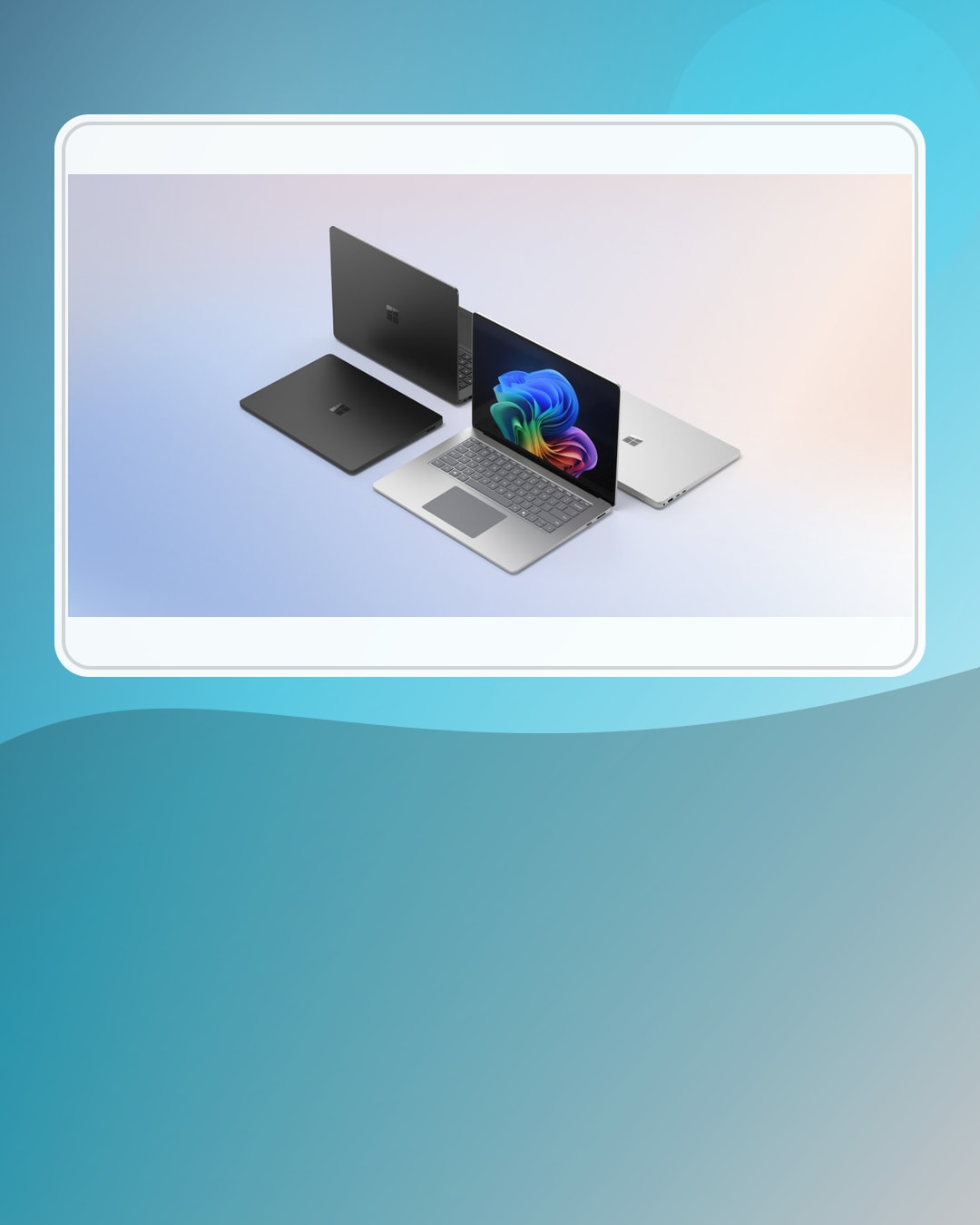
Copilot+ PC privacy
Practical 4-Step Surface Laptop Recall Privacy Check
Before treating Recall as a reason to buy a Surface Laptop Copilot+ PC, make the privacy question concrete: what gets saved, what stays local, what can be filtered, and what settings should you check first?
This Surface Laptop Recall privacy check turns a confusing AI feature into a buyer checklist. Microsoft describes Recall as a Windows feature for retracing activity by using snapshots on supported Copilot+ PCs. For shoppers, the important question is not hype. The important question is whether you are comfortable with the feature controls, the device requirement, and the exact settings you will review after setup.
Use this guide as a plain-English map, not as a review. BTI did not run a lab privacy test, did not measure performance, and is not claiming a universal winner. The goal is to help you decide whether Surface Laptop Copilot+ PC belongs on your research list and which Recall settings deserve attention before you depend on the feature.
- Recall is a settings decision, not only a spec-sheet feature.
- Local AI hardware can reduce some cloud dependence, but it does not answer every privacy question by itself.
- Check snapshot controls, app and website filters, deletion/export controls, and account setup before you judge the feature.
BTI on InstagramNew tech, decoded in plain EnglishFollow @besttechinsight for quick breakdowns of products, chips, robots, EVs, and science. Full reviews and guides stay here on BTI.
BTI stance: start with the Recall privacy check
The safest buyer framing is simple: if Recall is part of why you are considering a Surface Laptop Copilot+ PC, read the privacy controls before you read the marketing headline. Microsoft support material describes controls for the Recall experience, including ways to manage whether snapshots are saved, filter activity, and manage stored snapshot history. Those controls are the useful buyer story.
That does not make Recall bad or good for every buyer. It means the feature should be evaluated as a workflow and privacy setting. A person who wants a searchable activity trail may value it. A person who shares a machine, handles sensitive work, or prefers minimal device history may treat the same feature as something to configure carefully or avoid.
Surface Laptop Recall privacy check table
| Buyer question | Simple meaning | What to check | Next step |
|---|---|---|---|
| What is saved? | Recall can use snapshots to help retrace activity on a supported Copilot+ PC. | Check whether snapshots are enabled, paused, filtered, or deleted for your setup. | View current source |
| What stays local? | An NPU is local AI hardware, but feature behavior still depends on the app and Windows settings. | Separate local processing from account sync, cloud features, browser history, and app-specific data. | View current source |
| What can be filtered? | Privacy controls matter most when a feature can see everyday activity. | Review app and website filtering, pause controls, and delete controls before daily use. | Read privacy controls |
| What is the buying decision? | Recall may be useful only if the full device, apps, settings, and privacy comfort fit your life. | Choose the laptop for the whole workflow, not for one AI feature alone. | Compare laptop options |
If this table feels like too much to manage, slow down. A Copilot+ PC can still be worth researching for display, keyboard, battery context, portability, and app fit, but Recall should not be the only reason you choose the machine.
How to read the local AI claim
Microsoft’s NPU documentation frames the neural processing unit as hardware for running AI workloads efficiently on the device. That is useful buyer context. It can mean some AI work does not have to rely on a remote server. But “local AI” is not a magic privacy label. You still need to know the feature, the app, the account, the data setting, and whether anything syncs elsewhere.
The beginner version is this: local hardware is the engine. Recall settings are the driving rules. The buyer should check both. A strong NPU does not automatically mean every AI feature keeps every piece of data offline, and a privacy setting is only useful if you know it exists before daily use.
The practical buyer move is to write down the work you do on the laptop before reading any AI headline. If that work includes client files, school records, health information, financial accounts, private chats, unreleased work, or a shared household profile, the Recall privacy check becomes more important. If the laptop is mostly for browsing, notes, email, and casual research, you may still want the same settings review, but the risk conversation can feel different.
That is why this guide uses a four-step check instead of a yes-or-no verdict. First, confirm the machine and Windows feature support. Second, review whether snapshots are saved. Third, check filter, pause, delete, and export controls. Fourth, decide whether your normal work belongs in a searchable activity history at all. Those steps are more useful than treating Recall as a scary phrase or a magic productivity upgrade.
What this Surface Laptop Recall privacy check does not claim
This guide does not claim that Surface Laptop is the right computer for every buyer. It does not claim Recall is enabled for every person, that every configuration behaves the same way, or that any current retailer listing has a specific price or stock state. Those details must be verified against the exact machine, Windows version, account setup, and current source page.
It also does not say local AI is always private by default. That would be too broad. A feature can be local, cloud-backed, account-connected, app-specific, or a mix. Treat privacy as a path your data takes, then trace that path for the feature you care about.
Sources used for this buyer map
BTI used official Microsoft source material to keep this Surface Laptop Recall privacy check conservative. The source links below should be your next stop before making a purchase decision or turning the feature on for daily work.
BTI rule
If Recall is part of your Surface Laptop buying reason, do the privacy check before the purchase feels emotional. Ask four questions: what gets saved, what stays local, what can be filtered, and what can be deleted or exported. If those answers fit your workflow, keep researching the exact Surface Laptop configuration. If they do not, compare another Copilot+ PC path or choose a laptop for the basics first.
No reviewed exact-product affiliate link is required for this privacy-first guide; when reviewed links are supplied, BTI can add tracked price-check CTAs without changing the privacy guidance.
FAQ
Is Recall the main reason to buy Surface Laptop Copilot+ PC?
No. Treat Recall as one feature to evaluate. The broader laptop decision should still include apps, display, keyboard, ports, memory, storage, support, return policy, and privacy comfort.
Does an NPU mean every AI feature is private?
No. An NPU is local AI hardware, but each feature can have different data paths and settings. Always check the exact feature and source documentation.
What should I check before using Recall?
Review whether snapshots are saved, whether you can pause or filter activity, how deletion and export controls work, and whether your work or shared-device situation makes a searchable history uncomfortable.