
Storage speed buyer check
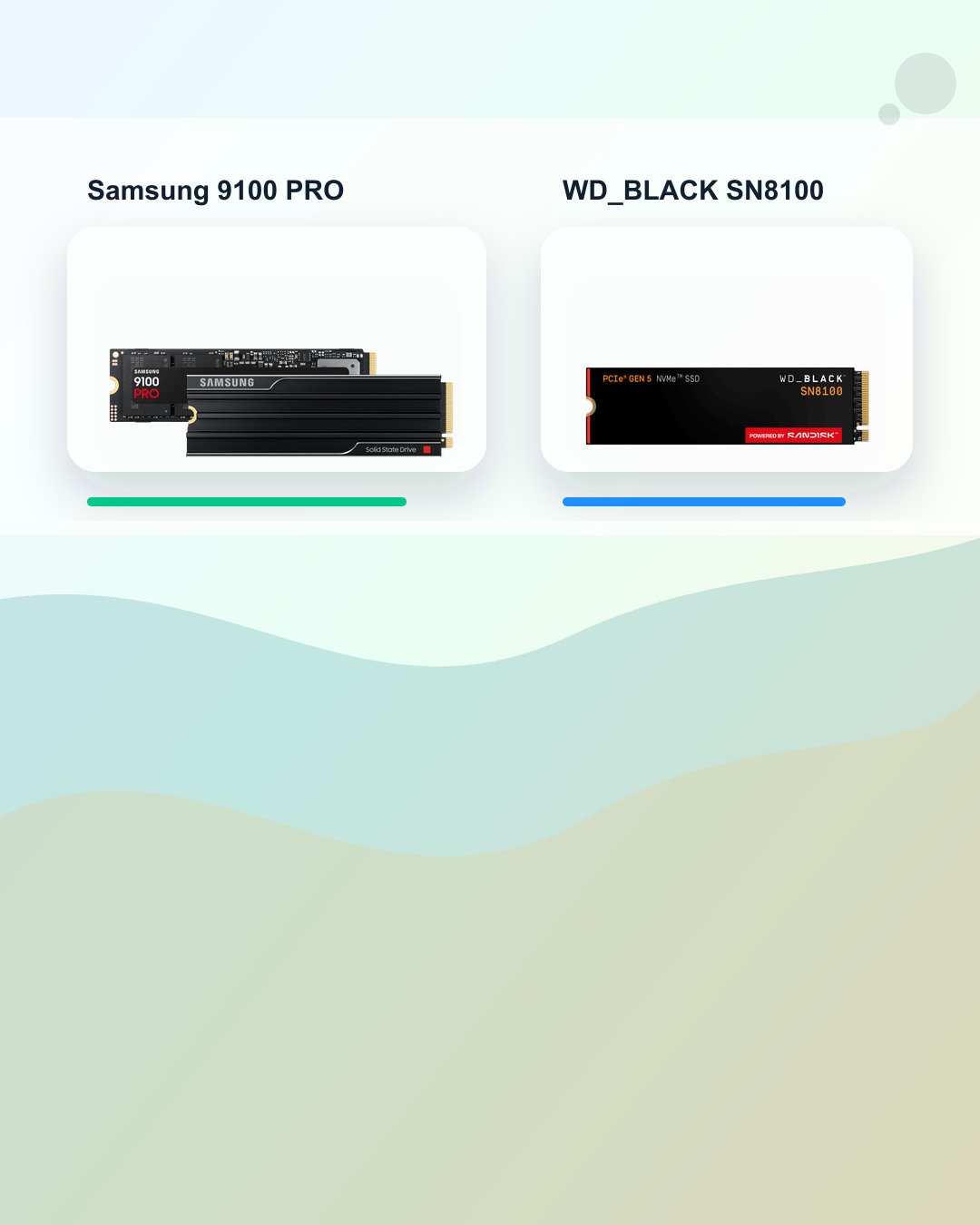
Gen5 SSD Speed Check: Samsung 9100 PRO vs WD_BLACK SN8100
The useful Gen5 SSD question is not just which number is bigger. It is whether your workload, slot, cooling, and capacity needs can use the speed.
A Gen5 SSD speed chart can look obvious until you ask what the drive is doing all day. Samsung lists the 9100 PRO at up to 14,800 MB/s sequential read and up to 13,400 MB/s sequential write. SanDisk lists the WD_BLACK SN8100 at up to 14,900 MB/s sequential read and up to 14,000 MB/s sequential write. Those are official claimed specifications, not BTI hands-on test results.
BTI did not lab-test these drives, measure thermals, verify current inventory, or review retail pricing. This guide uses official source pages to turn the speed spec into a buyer checklist.
- Buy for the workload before the headline speed number.
- Capacity, cooling, slot support, and form factor can matter as much as peak sequential speed.
- A premium SSD will not fix unrelated bottlenecks such as low memory, old CPU/GPU hardware, slow internet, or weak software support.
BTI on InstagramNew tech, decoded in plain EnglishFollow @besttechinsight for quick breakdowns of products, chips, robots, EVs, and science. Full reviews and guides stay here on BTI.
Gen5 SSD speed quick answer
Samsung 9100 PRO and WD_BLACK SN8100 are both fast Gen5 SSD paths on paper. Treat the official sequential speed number as a workload clue, then check the exact slot, cooling path, capacity target, and file work before choosing.
| Drive | Simple role | Official sequential spec | Buyer check | CTA |
|---|---|---|---|---|
| Samsung 9100 PRO | Big-file workstation path | up to 14,800 MB/s read / up to 13,400 MB/s write | Check the exact laptop or desktop slot, thermal room, heatsink needs, capacity target, and whether the work really hits storage hard. | View official product |
| WD_BLACK SN8100 | Gaming and creator path | up to 14,900 MB/s read / up to 14,000 MB/s write | Check motherboard or laptop support, cooling, capacity, form factor, and whether the drive will run inside a slot that can use Gen5 bandwidth. | View official product |
When Gen5 SSD speed matters
A high-end Gen5 SSD is most useful when storage is the part of the system doing real work. Large local files, media projects, game libraries, datasets, scratch folders, and heavy transfers can make peak storage speed more meaningful than everyday tabs and email.
| Workload | What to check | BTI buyer move |
|---|---|---|
| Large local files | Video, photo, game, dataset, and project-folder moves can expose storage speed sooner. | Compare speed with capacity and cooling instead of buying by the biggest number alone. |
| Everyday browsing | Light web, email, notes, and streaming often do not saturate a high-end Gen5 SSD. | Prioritize enough capacity, memory, battery, and overall laptop fit first. |
| Laptop upgrades | The slot, BIOS/firmware support, power, heat, and physical clearance matter. | Verify compatibility before ordering a premium drive. |
| External storage | A fast internal SSD can be limited by an enclosure, cable, or port. | Check the whole chain before expecting internal-drive numbers externally. |
Product paths
Samsung 9100 PRO
Official sequential spec: up to 14,800 MB/s read / up to 13,400 MB/s write.
Good fit: A creator, workstation, or gaming build where large local files, project loads, or scratch storage can make fast sequential storage useful.
Check first: Check the exact laptop or desktop slot, thermal room, heatsink needs, capacity target, and whether the work really hits storage hard.
Official speed numbers are not a promise that every laptop, workload, file transfer, or enclosure will feel the same.
WD_BLACK SN8100
Official sequential spec: up to 14,900 MB/s read / up to 14,000 MB/s write.
Good fit: A performance PC path where game libraries, media work, large project folders, or AI-adjacent local files are the storage pain point.
Check first: Check motherboard or laptop support, cooling, capacity, form factor, and whether the drive will run inside a slot that can use Gen5 bandwidth.
A faster SSD cannot fix a slow internet connection, low memory, old CPU, weak GPU, or software bottleneck by itself.
When Gen5 SSD speed may not be the fix
A premium SSD cannot fix every slow-feeling computer. If the system is limited by low memory, an old processor, a weak GPU, a slow internet connection, battery mode, or app behavior, the storage upgrade may not be the part you feel first.
External drives can also be limited by the enclosure, cable, adapter, or port. For laptop upgrades, physical fit and cooling can matter as much as the speed printed on the product page.
Sources used for this buyer map
This article compares official manufacturer-published specifications and product positioning. It does not include BTI lab benchmarks, star ratings, awards, price tracking, stock checks, or availability claims.
BTI final take
Buy the SSD that fits the work you actually do. For Samsung 9100 PRO and WD_BLACK SN8100, the practical checklist is workload, capacity, heat, slot support, and physical fit before the biggest Gen5 speed number.
Exact-product affiliate links are not configured yet; when reviewed links are supplied, BTI can add tracked price-check CTAs without changing the buyer guidance.
FAQ
Does a Gen5 SSD make every laptop feel faster?
No. It helps most when your system and workload actually hit storage. Everyday browsing can feel limited by memory, CPU, network, battery mode, or software before storage speed.
Should I pick the fastest official read/write number?
Not by itself. Check capacity, heat, physical fit, slot support, warranty terms, and whether your workload benefits from high sequential throughput.
Are these BTI benchmark results?
No. The speed numbers in this guide come from official Samsung and SanDisk source pages. BTI is using them for buyer education, not presenting independent tests.