
OpenAI model update explained
GPT-Live-1 Explained: How ChatGPT Voice Listens While Talking
The voice model handles the conversation while a frontier model can handle harder work behind it.
OpenAI launched GPT-Live on July 8, 2026. The consumer rollout uses GPT-Live-1 for paid ChatGPT plans and GPT-Live-1 mini for Free. The change is not simply a new voice or a faster text model. GPT-Live is designed to listen and speak at the same time.
That simultaneous behavior is called full duplex. A normal phone call is full duplex: both people can hear and speak without waiting for a software-controlled turn to end. GPT-Live applies that idea to an AI conversation, so the system can keep listening while it talks and decide whether to pause, continue, interrupt, or use a tool.
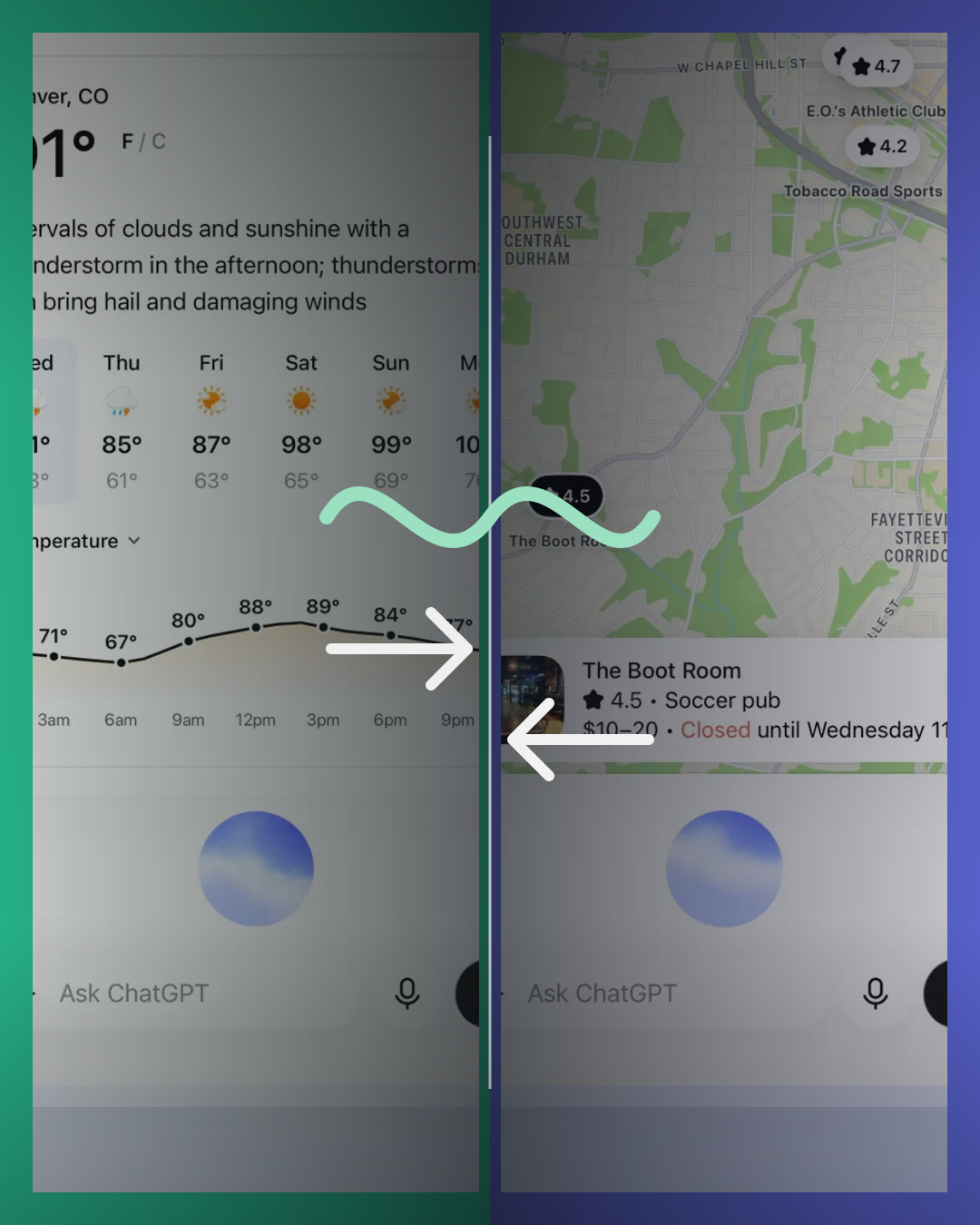
The second important change is delegation. GPT-Live handles the live conversation, but it can hand a harder search or reasoning task to a frontier model and bring the result back. OpenAI says the launch version uses GPT-5.5 behind the scenes. That means the Live model is the conversation layer, not a replacement name for every model doing the deeper work.
BTI did not train, benchmark, or independently test GPT-Live-1. This guide translates OpenAI’s launch article, current Voice help page, release notes, and system card. Rollout status, plan access, limits, and model routing can change after publication.
GPT-Live-1 quick answer
Older voice systems behaved like a walkie-talkie. You spoke, the system decided your turn was over, and then it answered. GPT-Live behaves more like a phone call. It keeps processing the conversation while audio is moving in both directions.
The practical payoff is easier interruption and more natural pauses. If you correct a detail while ChatGPT is speaking, the model can hear the correction. If you pause to think, it has more context for deciding whether to wait. Background noise, microphone quality, network conditions, and overlapping voices can still cause mistakes.
Live, Advanced, and Standard Voice compared
Choose the interaction mode by what you need, not by assuming the newest label includes every older feature.
| Voice option | How it handles conversation | Use it when | Important launch limit |
|---|---|---|---|
| Live on a paid consumer plan | The paid Live model listens and speaks continuously instead of waiting for a clean turn boundary. | Natural back-and-forth, interruptions, pauses, spoken search, and questions that may need deeper reasoning. | No video, screen sharing, connected apps, or plugins at launch; availability varies during rollout. |
| Live on Free | The mini model uses the same full-duplex idea with the Free-plan model tier. | Everyday voice conversations when Live appears for the account, region, and app version. | Usage and feature limits vary; access to the paid model is not implied. |
| Advanced Voice | A previous audio-native experience that still works mainly as turn-based back-and-forth. | Eligible mobile users who need supported video or screen sharing while Live lacks those inputs. | It does not use GPT-Live’s continuous full-duplex interaction model. |
| Standard Voice | Speech is transcribed, processed as text, and converted back to speech in a sequence. | A straightforward turn-by-turn voice workflow or accounts where other Voice options are unavailable. | Longer pauses and the handoff between separate stages can make conversation feel less fluid. |
What full duplex changes
A cascaded voice system runs several steps in order: speech becomes text, a text model writes an answer, and a speech model reads it aloud. Each handoff adds delay and can lose details such as tone, timing, or emotion. A turn-based audio model removes some handoffs, but still relies on detecting when one speaker has stopped.
GPT-Live continuously processes input while generating output. OpenAI says it can make interaction decisions many times per second: speak, keep listening, pause, interrupt, or invoke a tool. The important word is decision. Full duplex does not mean both sides should talk over each other constantly. It gives the model more opportunities to respond to the timing of a real conversation.
This can make language practice, brainstorming, hands-free questions, and spoken tutoring feel less rigid. Interruption handling can still fail. OpenAI’s help guide says long pauses, background speech, network conditions, and microphone settings can still affect what the model hears.
GPT-Live versus GPT-5.5 or GPT-5.6
The names describe different jobs. The Live model manages the continuous voice interaction. A frontier model can do deeper search, reasoning, or agentic work behind the conversation. OpenAI says GPT-5.5 is the delegated model at launch and that the delegated model can change as newer frontier models arrive.
Think of a live interviewer and a research desk. The interviewer keeps the conversation moving, listens for the next question, and explains what is happening. The research desk handles the slower investigation. GPT-Live is the interviewer. The delegated frontier model is the research desk.
This is why a voice-model name should not be read like a text-model ranking. Live can feel more natural in conversation even when another model performs the deeper reasoning. BTI does not rank these layers against each other for intelligence or benchmark performance.
Who gets GPT-Live
OpenAI’s current help article says paid consumer plans use GPT-Live-1 and Free uses GPT-Live-1 mini. Live is rolling out on ChatGPT web, iOS, and Android in supported regions. Availability can depend on the plan, region, workspace, app version, and rollout timing.
At launch, Live is not available in ChatGPT Business, Enterprise, or Edu workspaces. It is also not initially available in Temporary Chats, the ChatGPT desktop app, Work, Codex, or custom GPTs. Those boundaries matter because seeing Voice in one part of ChatGPT does not prove that the new Live option is available everywhere.
OpenAI says it plans to bring GPT-Live models to the API, but the July 8 launch article describes that access as upcoming. Developers should not treat the consumer ChatGPT rollout as proof that a production API model is already generally available.
What GPT-Live cannot do at launch
Live does not initially support video, screen sharing, connected apps, or plugins. Eligible subscribers can use Advanced Voice for supported mobile video or screen-sharing workflows. Live can work with text and images in the same chat where those inputs are available, but that is different from watching a live camera or screen.
GPT-Live is primarily designed for one-on-one conversation. It can hear background noise, but OpenAI says it is not optimized for several people speaking together. It can also interrupt at the wrong time or miss words when audio overlaps.
Voice output can sound confident while still being wrong. Date-sensitive, location-sensitive, medical, legal, financial, or safety-critical answers still need verification from an appropriate source or professional.
Privacy and data controls to check
OpenAI’s Voice help guide says audio clips from Live and Advanced conversations are stored with the chat transcript for 30 days. Deleting the chat also starts deletion of associated clips within 30 days, subject to stated security, safety, or legal exceptions.
OpenAI says audio or video clips are not used to train models unless the user chooses to share them through the relevant data controls. Transcripts and other files may be used depending on the plan and the account’s Improve the model for everyone setting. These controls and policies can change, so check the current account settings before discussing sensitive information aloud.
A transcript is not a verbatim recording. Overlapping speech, background noise, and fast exchanges can make the saved text differ from what was said. Review important details instead of treating the transcript as an exact meeting record.
A simple three-part test when Live appears
- Pause: ask Live to wait while you think, then take a natural pause. Notice whether it waits without assuming the conversation ended.
- Interrupt: correct one detail while it is speaking. Check whether the next response follows the correction rather than the older sentence.
- Delegate: ask one question that needs current web information. Verify the cited answer separately and notice how the conversation behaves while deeper work is happening.
This is a usability check, not a BTI benchmark. Results can vary by device, microphone, network, language, noise, plan, region, and rollout version.
GPT-Live FAQ
What is GPT-Live?
GPT-Live is OpenAI’s full-duplex voice system for ChatGPT. Paid consumer plans use the full model, while Free uses a mini version. It is designed to listen and speak continuously, while delegating harder search or reasoning work when needed.
Can GPT-Live hear me while it is speaking?
Yes. OpenAI says Live can listen and speak at the same time, so a user can interrupt or keep talking. Audio overlap, background noise, network quality, and microphone settings can still affect what it hears.
Is GPT-Live the same as GPT-5.6?
No. Live handles the voice interaction. It can delegate deeper work to a frontier model. OpenAI says GPT-5.5 is used behind the scenes at launch and may be replaced by newer models over time.
Which model does the Free plan use?
OpenAI’s current help article says Free uses GPT-Live-1 mini, while paid consumer plans use GPT-Live-1. Availability and usage limits can vary during rollout.
Does GPT-Live support video or screen sharing?
Not at launch. OpenAI directs eligible subscribers who need those supported mobile features to Advanced Voice instead.
Is GPT-Live available in the API?
OpenAI’s July 8 launch announcement says API access is planned. It should not be treated as generally available until current developer documentation provides an active model and access path.
Official GPT-Live sources
- OpenAI GPT-Live launch announcement: The July 8 launch, full-duplex and delegation architecture, ChatGPT rollout, and launch limitations.
- OpenAI ChatGPT Voice help guide: Current Voice options, plan and workspace availability, data controls, limitations, and practical troubleshooting.
- OpenAI ChatGPT release notes: The July 8 consumer rollout summary for GPT-Live-1 and GPT-Live-1 mini.
- OpenAI GPT-Live system card: The model roles, full-duplex design, delegation context, and voice-specific safety work described by OpenAI.
BTI final take
The easiest way to understand GPT-Live is to separate conversation from cognition. The voice model keeps the spoken exchange moving. A frontier model can handle the slower research or reasoning task behind it.
The change worth testing is not whether the voice sounds impressive. It is whether you can pause, interrupt, correct, and ask a harder question without the conversation falling apart. Keep the launch boundaries in view: rollout varies, Free and paid use different GPT-Live models, and video or screen sharing still belongs to Advanced Voice at launch.
Follow BTI for the next plain-English tech breakdown
BTI turns current tech stories into simple buyer and science explainers without claiming hands-on testing, prices, ratings, or availability.