
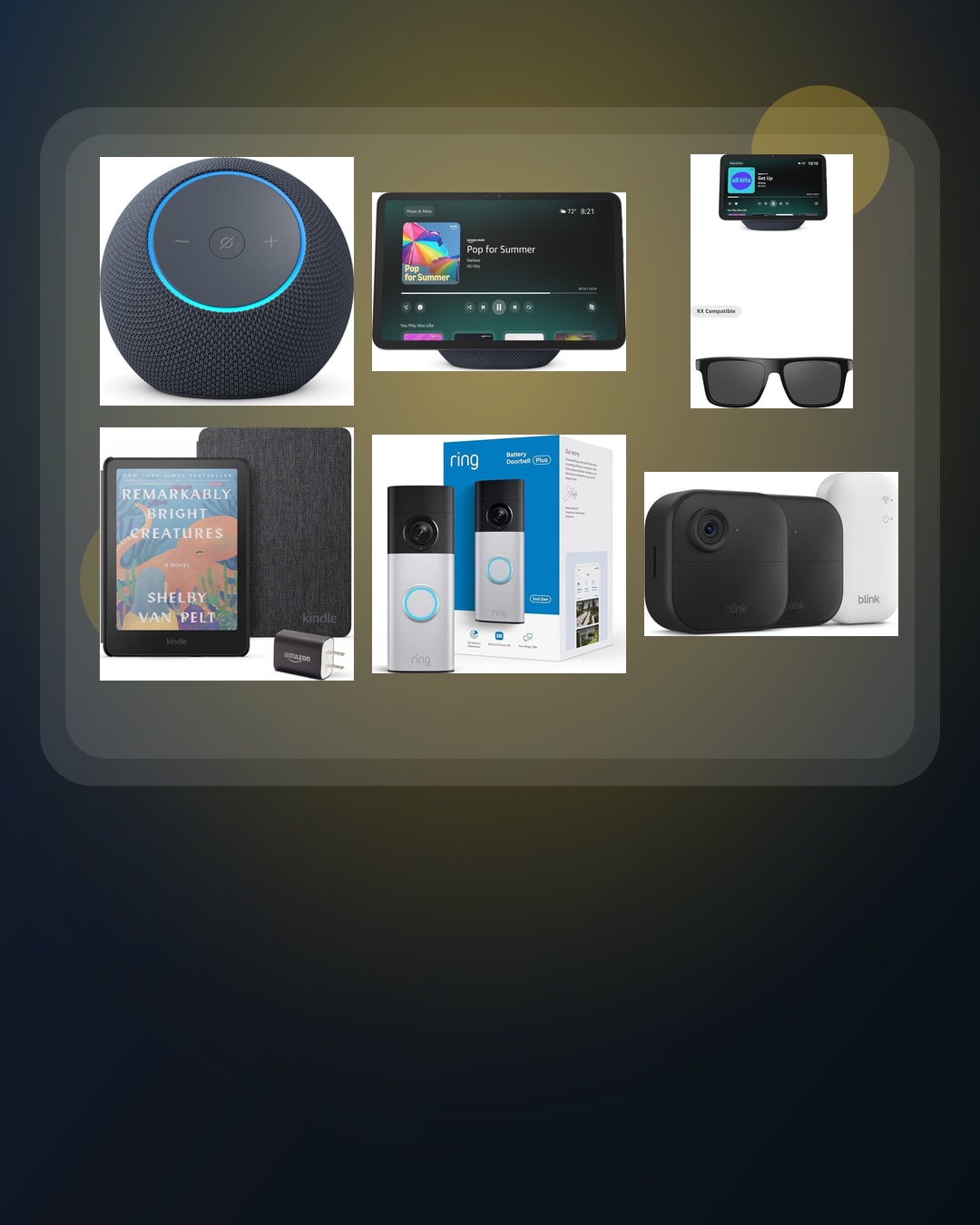
Prime Day device map
Prime Day 2026 Tech Deals Watchlist: Echo, Kindle, Ring, Blink
Amazon says Prime Day 2026 runs June 23-26. Its official page already names several device examples, so BTI is comparing the exact jobs before the event gets noisy.
This Prime Day 2026 tech deals watchlist turns Amazon’s current Prime Day date announcement into an exact-device pre-check. Amazon says the event starts at 12:01 a.m. PDT on June 23 and runs through June 26 for Prime members across more than 35 categories.
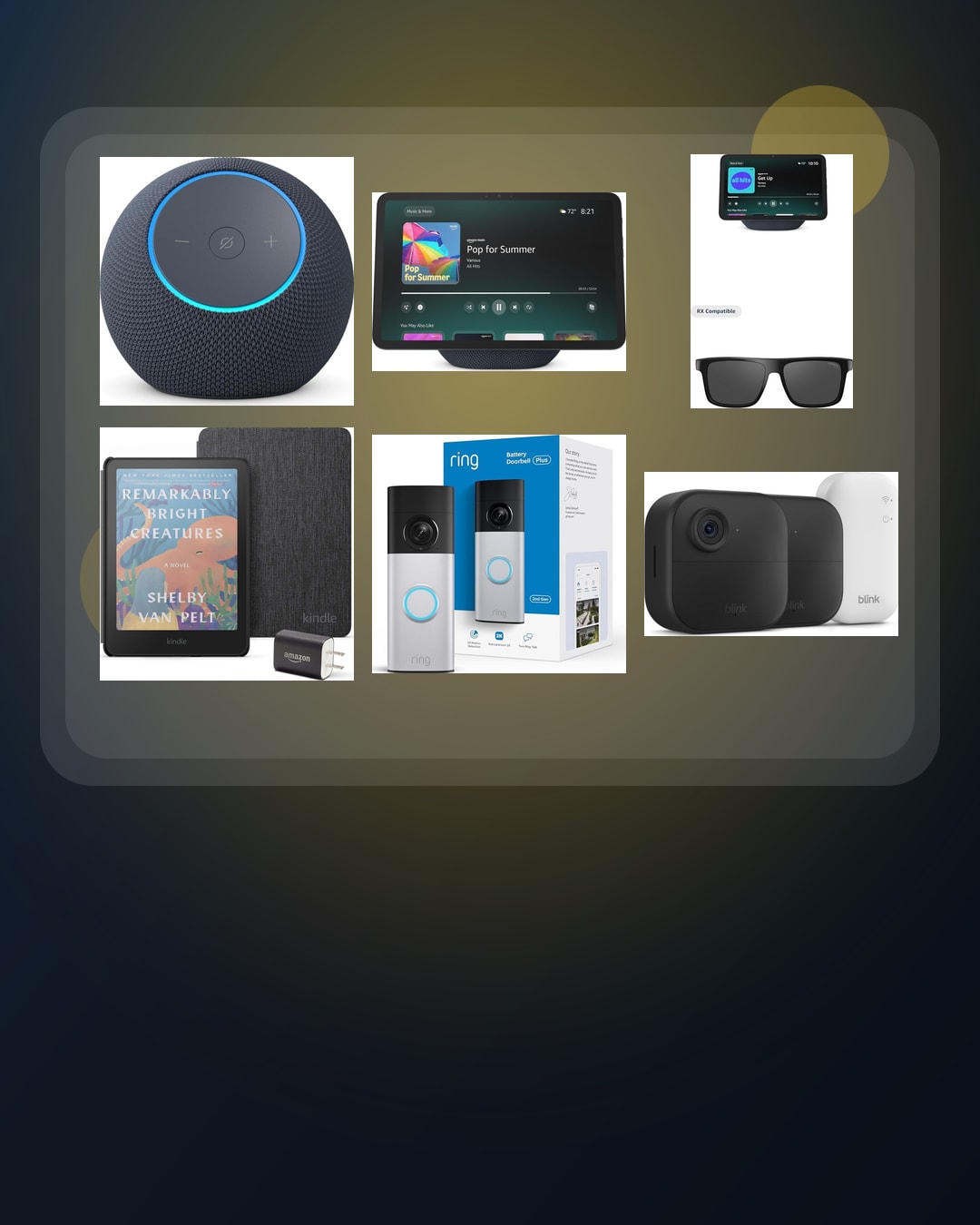
Amazon’s official Prime Day page names Echo Dot Max, Echo Show 11, Echo Show 8 + Carrera Smart Glasses bundle, Kindle Colorsoft Essentials bundle, Ring Battery Doorbell Plus, and Blink Outdoor 4 bundle. BTI is treating those names as a watchlist, not as rankings, price claims, tested recommendations, or guaranteed deals.
Quick answer: choose the job before the product. A named device only matters if it solves a real problem, fits your setup, and still makes sense after you check returns, privacy, setup work, accessories, and normal street price.
Use this like a short list. One device. One room or routine. One setup check. One return check. One reason to skip. If you cannot fill those in, wait. A quiet plan beats a fast cart.
The exact watchlist here is Echo Dot Max, Echo Show 11, Echo Show 8 + Carrera Smart Glasses bundle, Kindle Colorsoft Essentials bundle, Ring Battery Doorbell Plus, and Blink Outdoor 4 bundle.
BTI on InstagramNew tech, decoded in plain EnglishFollow @besttechinsight for quick breakdowns of products, chips, robots, EVs, and science. Full reviews and guides stay here on BTI.
Prime Day 2026 tech deals watchlist: compare the exact job first
Prime Day can be useful when a device already solves a daily problem. It can also be distracting because bundles and event labels make different products feel comparable when they are not. BTI’s approach is to build the comparison first. Current product pages come later, after the need is clear.
Use the table below as a pre-event filter. If an exact device solves a daily problem, it earns a watchlist spot. If it only sounds exciting because it is attached to an event, put it in the skip pile.
| Official example | Simple job | Best fit | BTI buyer check | Next step |
|---|---|---|---|---|
| Echo Dot Max | Smart speaker | Rooms where voice control, music, timers, routines, or smart-home commands are part of the daily routine. | Check room placement, privacy comfort, microphone needs, smart-home compatibility, and whether a speaker solves a real daily job. | View official event details |
| Echo Show 11 | Shared smart display | Counters, desks, or family spaces where a shared screen may help with video calls, recipes, calendars, routines, or quick visual answers. | Check the room, screen size, camera comfort, setup space, account fit, and whether people will actually use a visible device there. | View official event details |
| Echo Show 8 + Carrera Smart Glasses bundle | Screen plus wearable bundle | Buyers who can explain why they need both a home display and smart glasses instead of buying one device at a time. | Check each half separately: the screen job, the glasses job, phone pairing, comfort, privacy, return policy, and whether the bundle adds real value. | View official event details |
| Kindle Colorsoft Essentials bundle | Color reading kit | Readers who care about color covers, comics, magazines, highlights, or a bundled case and charging setup. | Check whether color changes your actual reading, whether the bundle accessories matter, and whether your current Kindle already solves the job. | View official event details |
| Ring Battery Doorbell Plus | Front-door view | Homes where seeing front-door activity matters and a battery doorbell fits the entryway and install comfort level. | Check mounting fit, field of view needs, privacy comfort, household alerts, return policy, and any ongoing service requirements. | View official event details |
| Blink Outdoor 4 bundle | Outdoor camera coverage | Homes that already know which entry points, driveway areas, or outdoor zones need camera coverage. | Map camera locations first, then check Wi-Fi reach, mounting, battery routine, privacy, storage, and whether a bundle is too many cameras. | View official event details |
Six Amazon device examples worth checking before Prime Day
Each card below keeps the decision beginner-friendly. Start with the device’s real job. Then compare the hidden details that decide whether the product still makes sense after the headline fades.
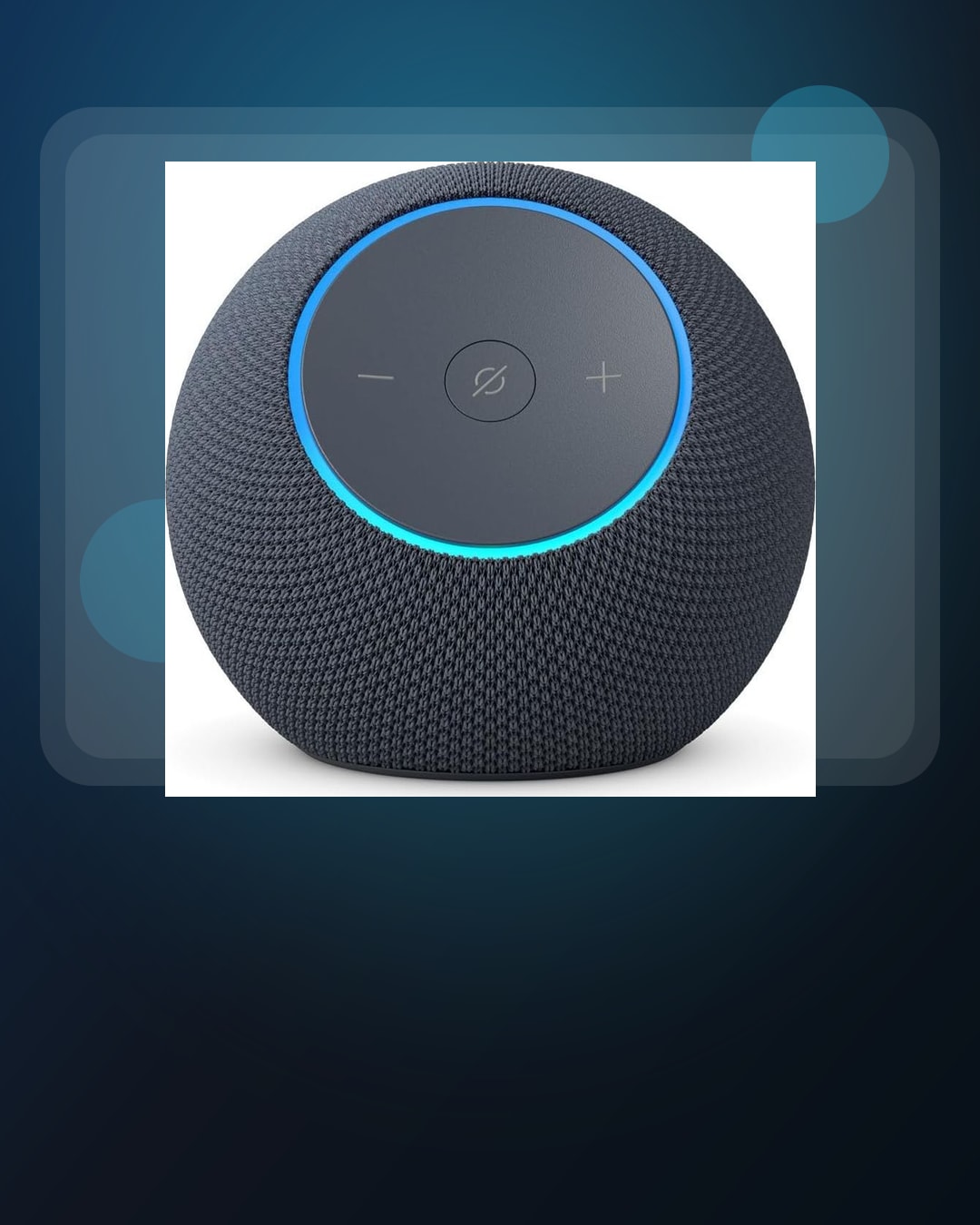
Smart speaker
Echo Dot Max
Best for: Rooms where voice control, music, timers, routines, or smart-home commands are part of the daily routine.
Check first: Check room placement, privacy comfort, microphone needs, smart-home compatibility, and whether a speaker solves a real daily job.
A speaker is a weak upgrade if the real need is a better screen, a quieter room, or fewer connected devices.
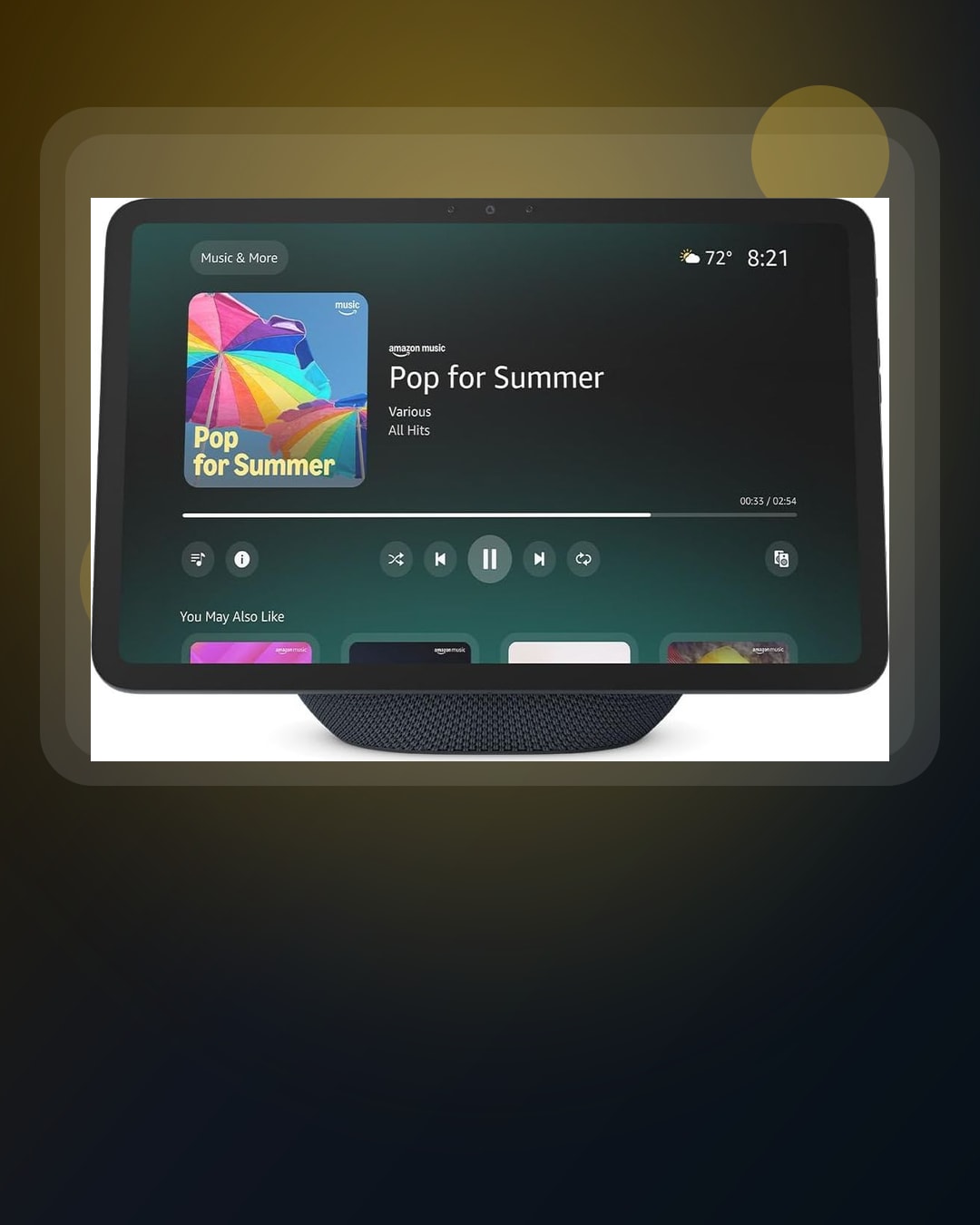
Shared smart display
Echo Show 11
Best for: Counters, desks, or family spaces where a shared screen may help with video calls, recipes, calendars, routines, or quick visual answers.
Check first: Check the room, screen size, camera comfort, setup space, account fit, and whether people will actually use a visible device there.
A bigger shared screen can become clutter if the household mostly wants private phone or tablet use.
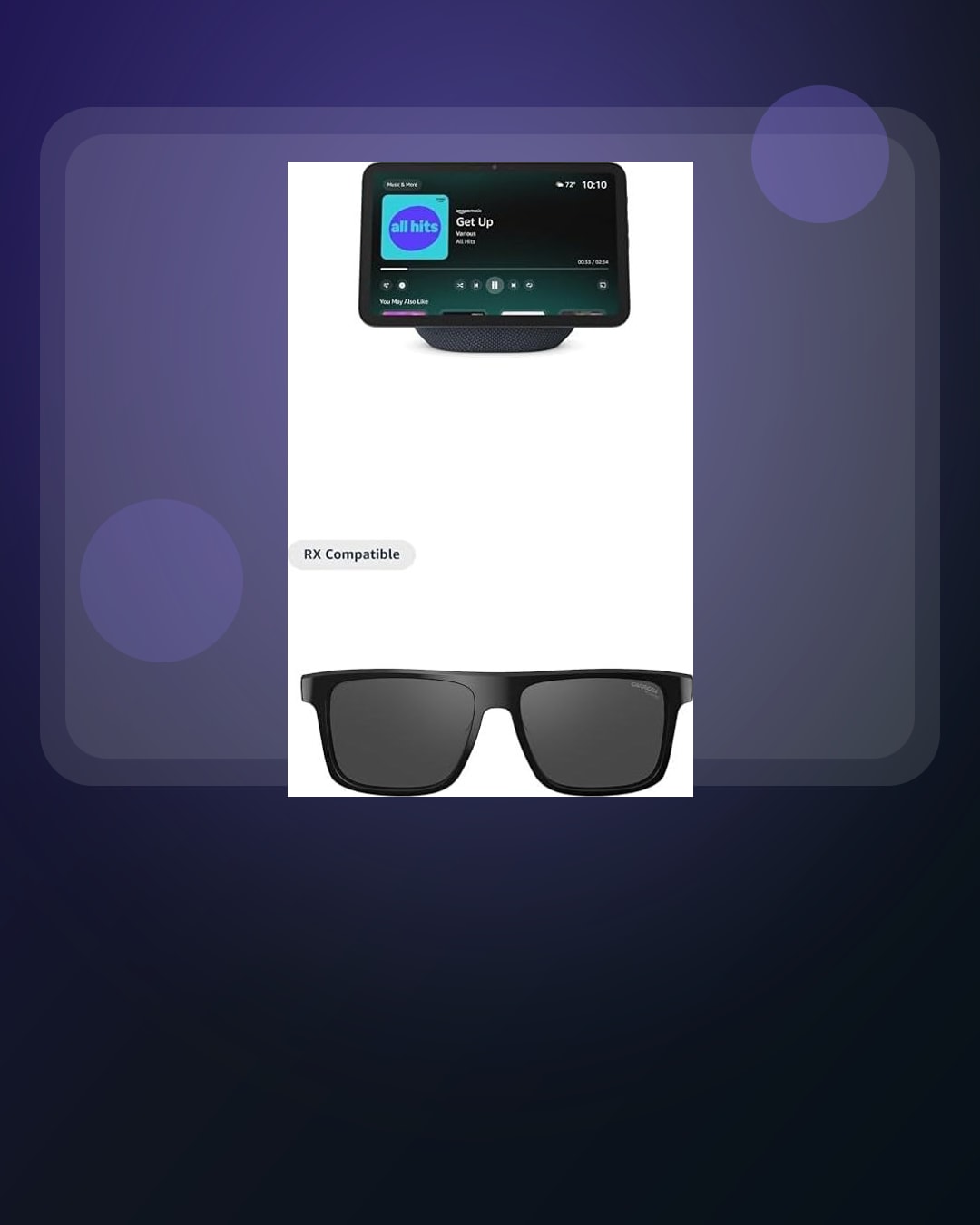
Screen plus wearable bundle
Echo Show 8 + Carrera Smart Glasses bundle
Best for: Buyers who can explain why they need both a home display and smart glasses instead of buying one device at a time.
Check first: Check each half separately: the screen job, the glasses job, phone pairing, comfort, privacy, return policy, and whether the bundle adds real value.
A bundle can look efficient while hiding the fact that only one piece fits your routine.
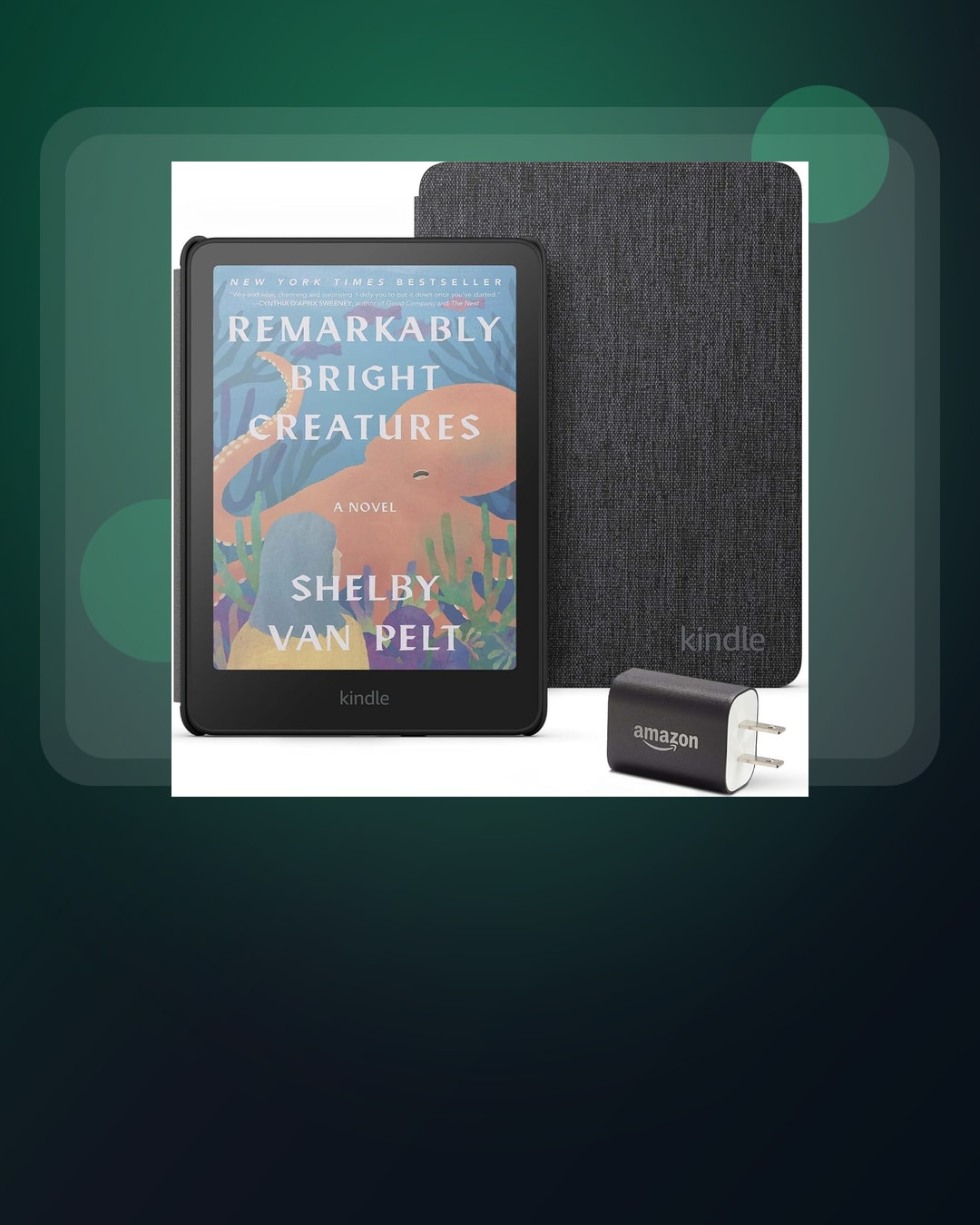
Color reading kit
Kindle Colorsoft Essentials bundle
Best for: Readers who care about color covers, comics, magazines, highlights, or a bundled case and charging setup.
Check first: Check whether color changes your actual reading, whether the bundle accessories matter, and whether your current Kindle already solves the job.
A color e-reader is not automatically better if most of your reading is text-only.
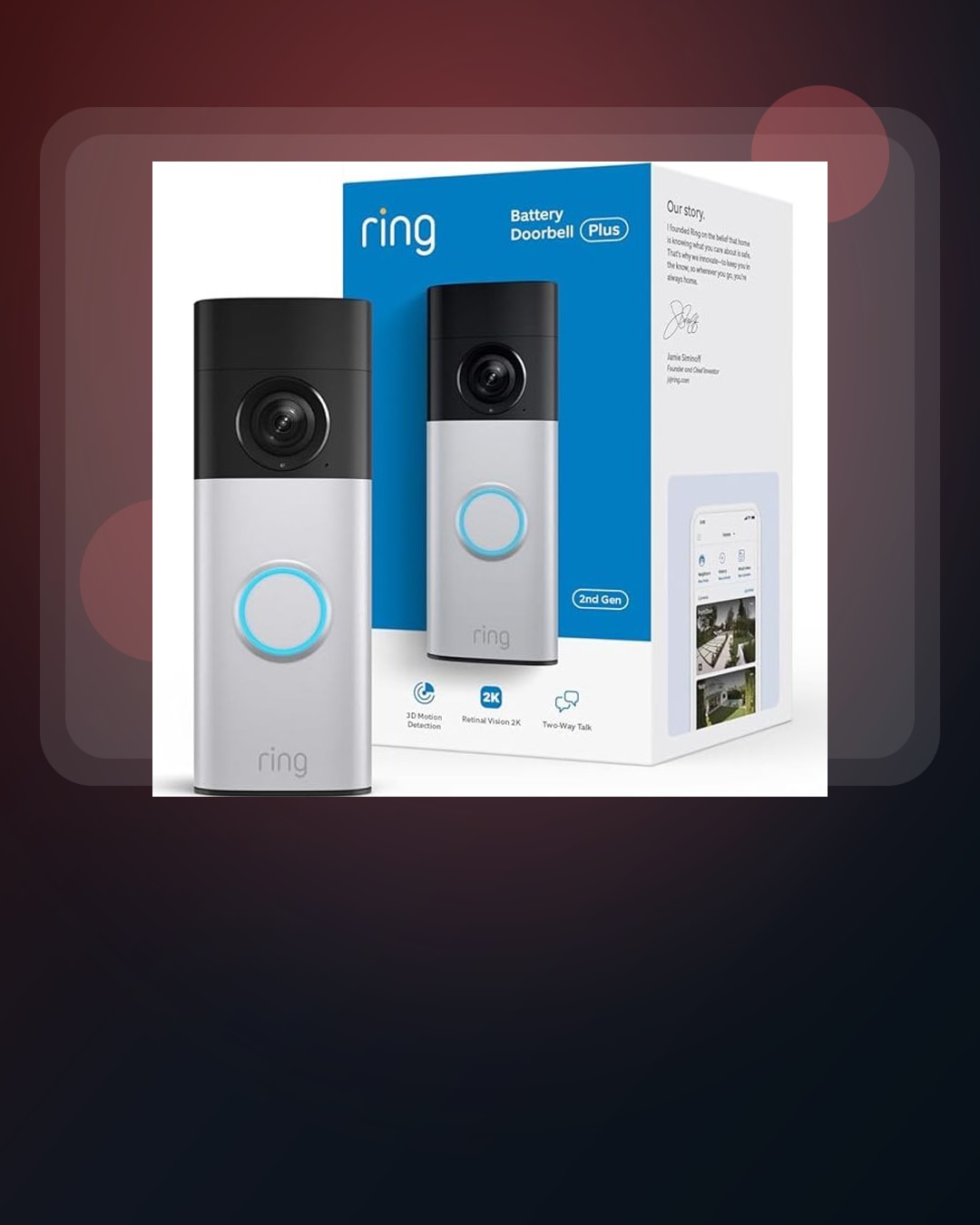
Front-door view
Ring Battery Doorbell Plus
Best for: Homes where seeing front-door activity matters and a battery doorbell fits the entryway and install comfort level.
Check first: Check mounting fit, field of view needs, privacy comfort, household alerts, return policy, and any ongoing service requirements.
A doorbell camera can be the wrong fix if the problem is Wi-Fi coverage, lighting, or a broader security plan.
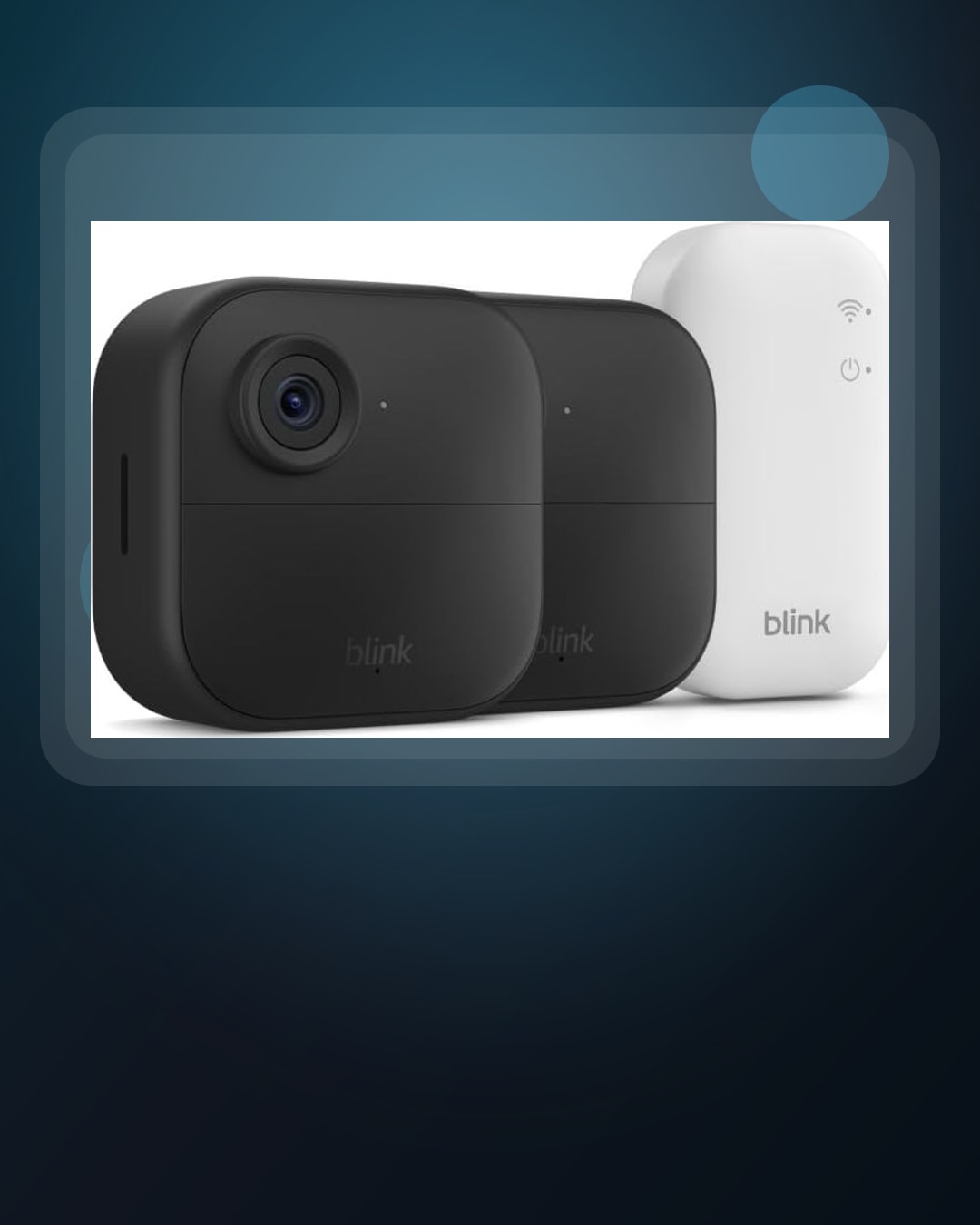
Outdoor camera coverage
Blink Outdoor 4 bundle
Best for: Homes that already know which entry points, driveway areas, or outdoor zones need camera coverage.
Check first: Map camera locations first, then check Wi-Fi reach, mounting, battery routine, privacy, storage, and whether a bundle is too many cameras.
A multi-camera bundle can turn into unused hardware if the real bottleneck is placement or network coverage.
Keep the list small. Pick three devices at most. Skip the rest unless a real need appears. This makes the event easier to scan and harder to misuse.
For Echo Dot Max, decide whether a voice speaker solves a daily room problem. For Echo Show 11, check whether a shared screen fits the counter, desk, or family routine. For the Echo Show 8 + Carrera Smart Glasses bundle, explain why both pieces matter. For Kindle Colorsoft Essentials bundle, decide whether color reading and bundled accessories change your routine. For Ring Battery Doorbell Plus and Blink Outdoor 4 bundle, map the entryway or camera locations before comparing product pages.
What Ring AI video search changes
A current Echo Hub update makes the Ring camera decision less about “doorbell versus outdoor camera” and more about the footage workflow. The Verge reported that Echo Hub is getting a cleaner customizable home screen plus access to Ring AI Video Search and Alexa Plus camera-event summaries.
The plain-English translation: some smart-home footage is becoming searchable by words instead of only scrollable by timestamps. That can be useful for a normal person, but it does not make camera placement, alert rules, privacy settings, shared users, recordings, subscriptions, or Wi-Fi quality less important.
For BTI readers, the safer buying rule is simple. Ring AI Video Search and Alexa Plus summaries are useful only if the camera sees the right spot, the alerts are not noisy, and everyone in the home is comfortable with how clips and summaries are handled.
| Ring AI Video Search buying checklist | Why it matters | BTI action before buying |
|---|---|---|
| Camera view | Search can only help with activity the camera can actually capture. | Point the camera at the exact package, driveway, gate, or entry spot before treating AI search as the reason to buy. |
| Searchable words | Ring says Video Search can search event history with everyday language, but generic object, place, and event words are safer than vague questions. | Try plain terms like package, vehicle, backyard, side gate, or July 14 before relying on a narrower query. |
| Eligibility | Ring says availability is limited by region, compatible subscription, device support, and account setup. | Check the current Ring support page for your region, plan, device, trial status, shared-user access, and whether Ring Edge, Ring Alarm Pro, or Ring Car Cam affects the setup. |
| Privacy settings | Ring says Video Search requires video processing permission, and end-to-end encryption must be disabled to use the feature. | Decide whether the household is comfortable with that tradeoff before buying a camera mainly for search or summaries. |
| Echo Hub fit | Echo Hub can make camera search and summaries easier to reach from a shared smart-home screen. | Buy the display only if a shared screen helps your household review clips, control devices, or act on alerts faster than a phone app. |
What this watchlist does not prove
This guide does not prove a specific product is the right buy. It does not rank one product as a universal winner. It does not say every Prime Day tech offer is worth chasing. It also does not replace checking the live retailer page at purchase time.
Percentage language is not proof of value. A marked-down product can still be older than you need, outside your ecosystem, harder to return than a similar option, or tied to setup work you will not finish.
The main risk is letting an event choose the product before your actual problem chooses the device. That is why this watchlist starts with room, routine, privacy, setup fit, and skip rules.
Sources and methodology
BTI checked Amazon’s official Prime Day 2026 date announcement on June 10, 2026. The confirmed event window and named device examples inform this conservative tech watchlist. BTI did not scrape competitor posts, copy product photos, or add product claims without exact evidence.
The method is simple. Start with the devices Amazon named. Turn each one into a buyer job. List the hidden checks. Hold affiliate product links until exact reviewed destinations are configured. That keeps the article useful now and ready to monetize later without changing the editorial guidance.
- Amazon Prime Day 2026 official date announcement
- Amazon early Prime Day 2026 device examples
- The Verge report on Echo Hub, Ring AI Video Search, and Alexa Plus summaries
- Amazon support for Alexa+ smart home camera features
- Amazon support for Camera Event Summaries with Alexa+
- Ring support for Video Search requirements and availability
BTI final take
The best Prime Day tech plan is not a cart full of maybes. It is a short watchlist with one job per device, a few hidden checks, and a clear skip rule. If the offer solves a real problem and survives the setup check, it can be worth deeper research. If it only looks exciting because the event is loud, wait.
Buy the device that fixes the day. Skip the device that only wins the moment.
When exact reviewed product URLs exist for current Prime Day tech picks, this page can add tracked price-check CTAs without changing the editorial guidance.
FAQ
When is Prime Day 2026?
Amazon says Prime Day 2026 runs June 23-26, beginning at 12:01 a.m. PDT on June 23. BTI recommends building a tech watchlist before the event starts.
What exact devices should I compare first?
For this watchlist, start with the exact devices Amazon named: Echo Dot Max, Echo Show 11, Echo Show 8 + Carrera Smart Glasses bundle, Kindle Colorsoft Essentials bundle, Ring Battery Doorbell Plus, and Blink Outdoor 4 bundle.
Should I buy from an Instagram post alone?
No. Use the Instagram post as a quick map, then check the full article, current retailer page, return window, warranty, exact model, compatibility, and whether the product solves a real job.